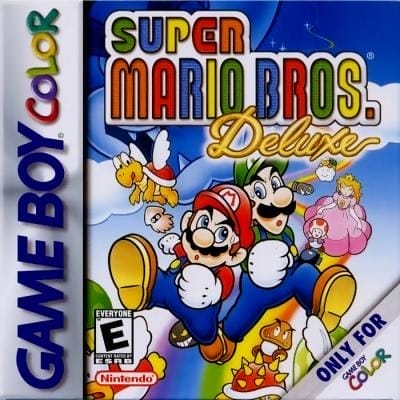
Super Mario Bros. Deluxe
Play Now
Important Control Tip: If keys are unresponsive after the game loads, please [click on the game window] to activate input focus.
How to Play
How to Play
Press Play Now button to start the Game Boy Color emulator in your browser.
Control guide merged: use keyboard on PC and on-screen buttons on mobile.
🖥️ PC Controls
| Action | Key (Default) | Description |
|---|---|---|
| D-Pad | ↑↓←→ | Movement control |
| A Button | Z | Confirm / Attack |
| B Button | X | Cancel / Jump |
| Select | V | Select button |
| Start | Enter | Start button |
📱 Mobile Controls
- Movement
- D-pad (left side)
- Action Buttons
- A/B or X/Y/A/B (right side, varies by platform)
- Start / Select
- Center of screen
- Left-Handed Mode
- Swap layout in Control Settings
Mobile Controls: After starting the game, tap the menu in the top-right corner → "Control Settings" to view full key mappings and customize controls.
From Wikipedia, the free encyclopedia:
Source: Wikipedia
About This Game
Gameplay
Deluxe features platforming gameplay largely similar to the original, allowing players to control Mario or Luigi through the 32 levels of Super Mario Bros., referred to in the game as Original 1985. The game retains the pixel graphics of the original but with a smaller resolution to fit the screen of the Game Boy Color. The game features screen scrolling to reflect this change, and players can use the vertical directional buttons to scroll the screen up or down. Players can also save the progress of their game at any time. Challenge Mode is an additional mode that allows players to replay completed levels with the objective of achieving the highest score and locating items across the level, including five red coins and a hidden Yoshi egg in each level. Players select individual levels and complete them in a single attempt. Upon completion, Toad will provide the player with a rating based on their performance in reaching a threshold score, collecting the five red coins in a level, and discovering the hidden Yoshi. The Vs. mode allows two players to compete in a race to the end of a level by using two Game Boy Colors connected with a Game Link Cable. Vs.
History
Development of Deluxe was led by Nintendo director Toshiaki Suzuki in the Nintendo Research & Development 2 team, a small team dedicated to hardware peripherals and software. Deluxe was Suzuki's directorial debut, with Nintendo assigning his team to recreate Super Mario Bros. and The Legend of Zelda: Link's Awakening for the Game Boy Color, along with a few additional features. The team worked closely with Shigeru Miyamoto and Toshihiko Nakago, the designer and programmer of the original game. Suzuki stated that the development process had little pressure in the belief that the game would regardless be enjoyable and sell well. The developers developed and demonstrated a one-level prototype of Deluxe prior to the commercial release of the Game Boy Color.
More details about this game can be found on Wikipedia article .
Comments
Log in to leave a comment.
Sign InNo comments yet. Be the first!
Related Games
Super Mario Bros
Super Mario World
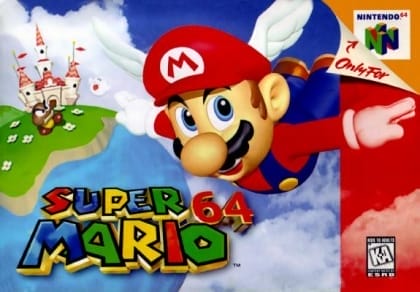
Super Mario 64
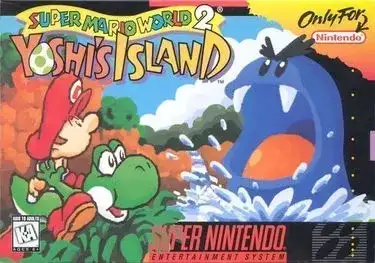
Super Mario World 2: Yoshi's Island
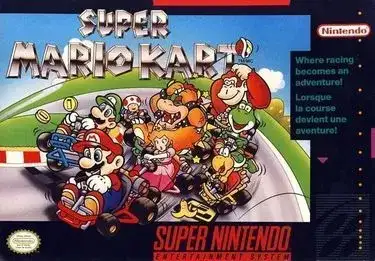
Super Mario Kart