Biker Mice from Mars
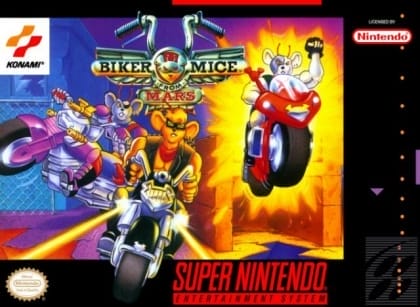
Play Now
Important Control Tip: If keys are unresponsive after the game loads, please [click on the game window] to activate input focus.
How to Play
How to Play
Press Play Now button to start the Super Nintendo Entertainment System emulator in your browser.
Control guide merged: use keyboard on PC and on-screen buttons on mobile.
🖥️ PC Controls
| Action | Key (Default) | Description |
|---|---|---|
| D-Pad | ↑↓←→ | Movement control |
| A Button | Z | Confirm / Attack |
| B Button | X | Cancel / Jump |
| Select | V | Select button |
| Start | Enter | Start button |
📱 Mobile Controls
- Movement
- D-pad (left side)
- Action Buttons
- A/B or X/Y/A/B (right side, varies by platform)
- Start / Select
- Center of screen
- Left-Handed Mode
- Swap layout in Control Settings
Mobile Controls: After starting the game, tap the menu in the top-right corner → "Control Settings" to view full key mappings and customize controls.
From Wikipedia, the free encyclopedia:
Source: Wikipedia
About This Game
Gameplay
The player takes on the role of one of six racers in a series of contests on different tracks that are displayed in isometric projection. After each lap, the player's weapon is refilled and a random item can be used to get additional cash, invulnerability, nitrous oxide acceleration, or delay the opponents by triggering an earthquake or time stop. The winner gets the prize money. The player must maintain an overall rank within the top three of a round in order to advance to the next one. In-between contests, upgrades for engine, tires, armor and weapons can be purchased from the Last Chance garage using the money earned.
More details about this game can be found on Wikipedia article .
Comments
Log in to leave a comment.
Sign InNo comments yet. Be the first!
Related Games
Antarctic Adventure
Need for Speed: Underground 2
Need for Speed: Undercover
Battle Out Run
R.C. Grand Prix