Banjo-Kazooie

Play Now
Important Control Tip: If keys are unresponsive after the game loads, please [click on the game window] to activate input focus.
How to Play
How to Play
Press Play Now button to start the Nintendo 64 emulator in your browser.
Control guide merged: use keyboard on PC and on-screen buttons on mobile.
🖥️ PC Controls
| Action | Key (Default) | Description |
|---|---|---|
| D-Pad | ↑↓←→ | Movement control |
| A Button | Z | Confirm / Attack |
| B Button | X | Cancel / Jump |
| Select | V | Select button |
| Start | Enter | Start button |
📱 Mobile Controls
- Movement
- D-pad (left side)
- Action Buttons
- A/B or X/Y/A/B (right side, varies by platform)
- Start / Select
- Center of screen
- Left-Handed Mode
- Swap layout in Control Settings
Mobile Controls: After starting the game, tap the menu in the top-right corner → "Control Settings" to view full key mappings and customize controls.
From Wikipedia, the free encyclopedia:
Source: Wikipedia
About This Game
History
An ending sequence in Banjo-Kazooie, should the player collect all 100 Jiggies in the game, indicated that two coloured eggs in the game would be put to use in the sequel Banjo-Tooie. There was also an inaccessible ice key shown in the sequence, which induced gamers to search for a way to get it. While only two eggs were shown in the sequence, hackers Alan "Ice Mario" Pierce and Mitchell "SubDrag" Kleiman of the Rare Witch Project fansite discovered in-game cheat codes to unlock a total of six different eggs and the ice key. Other ways of getting the six eggs and key were previously discovered via the use of a cheat cartridge. Once acquired, these items would be viewable by all three game files, and would remain even after erasing the files.
More details about this game can be found on Wikipedia article .
Comments
Log in to leave a comment.
Sign InNo comments yet. Be the first!
Related Games

Banjo-Tooie

Sonic the Hedgehog 3

Super Mario Bros

Inspector Gadget
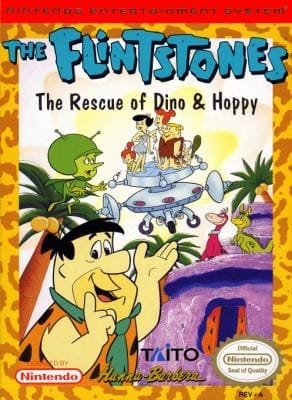
The Flintstones: The Rescue of Dino & Hoppy