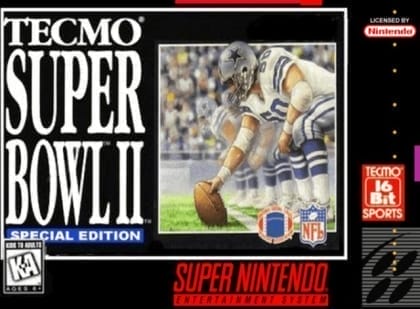
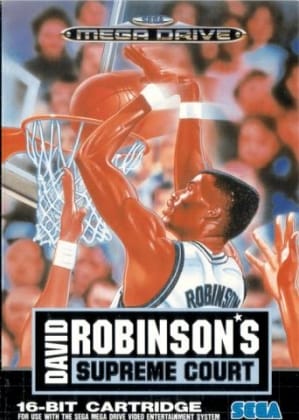
David Robinson's Supreme Court
Play Now
Important Control Tip: If keys are unresponsive after the game loads, please [click on the game window] to activate input focus.
How to Play
How to Play
Press Play Now button to start the Sega Genesis emulator in your browser.
Control guide merged: use keyboard on PC and on-screen buttons on mobile.
🖥️ PC Controls
| Action | Key (Default) | Description |
|---|---|---|
| D-Pad | ↑↓←→ | Movement control |
| A Button | Z | Confirm / Attack |
| B Button | X | Cancel / Jump |
| Select | V | Select button |
| Start | Enter | Start button |
📱 Mobile Controls
- Movement
- D-pad (left side)
- Action Buttons
- A/B or X/Y/A/B (right side, varies by platform)
- Start / Select
- Center of screen
- Left-Handed Mode
- Swap layout in Control Settings
Mobile Controls: After starting the game, tap the menu in the top-right corner → "Control Settings" to view full key mappings and customize controls.
From Wikipedia, the free encyclopedia:
Source: Wikipedia
About This Game
Gameplay
There are three modes: exhibition, playoffs, and role-playing (a kind of career mode). Winning the role-playing mode allows the player to play against an all-star team of players chosen by David Robinson himself. The court is viewed from an isometric perspective.
History
The game was developed with the help of Mark Haigh-Hutchinson from the United Kingdom.
More details about this game can be found on Wikipedia article .
Comments
Log in to leave a comment.
Sign InNo comments yet. Be the first!
Related Games

Baseball

Double Dribble
Side Pocket

Golf

Tecmo Super Bowl III: Final Edition