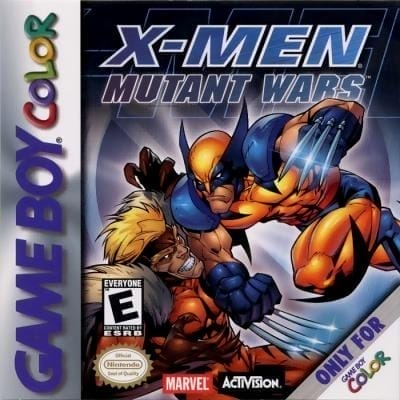
X-Men: Mutant Wars
Play Now
Important Control Tip: If keys are unresponsive after the game loads, please [click on the game window] to activate input focus.
How to Play
How to Play
Press Play Now button to start the Game Boy Color emulator in your browser.
Control guide merged: use keyboard on PC and on-screen buttons on mobile.
🖥️ PC Controls
| Action | Key (Default) | Description |
|---|---|---|
| D-Pad | ↑↓←→ | Movement control |
| A Button | Z | Confirm / Attack |
| B Button | X | Cancel / Jump |
| Select | V | Select button |
| Start | Enter | Start button |
📱 Mobile Controls
- Movement
- D-pad (left side)
- Action Buttons
- A/B or X/Y/A/B (right side, varies by platform)
- Start / Select
- Center of screen
- Left-Handed Mode
- Swap layout in Control Settings
Mobile Controls: After starting the game, tap the menu in the top-right corner → "Control Settings" to view full key mappings and customize controls.
From Wikipedia, the free encyclopedia:
Source: Wikipedia
About This Game
Gameplay
Characters can be changed at any time during the game, which is important as their power level decreases through the game. When the player changes character, those are not being controlled will gradually recover their power level. Also, some areas can only be completed by using the unique abilities of certain characters. An alternate game mode has the player facing all the boss characters from the main game, and if the current character runs out of power, they cannot be used again. The game's bosses include: Sabretooth, Waraxe, Specter, Shadow, Sentinel, Mystique, Magneto, System A, and Apocalypse II.
More details about this game can be found on Wikipedia article .
Comments
Log in to leave a comment.
Sign InNo comments yet. Be the first!
Related Games
X-Men: Wolverine's Rage
X-Men: Mojo World
X-Men
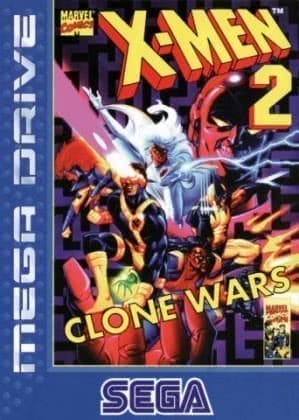
X-Men 2: Clone Wars
Kung Fu