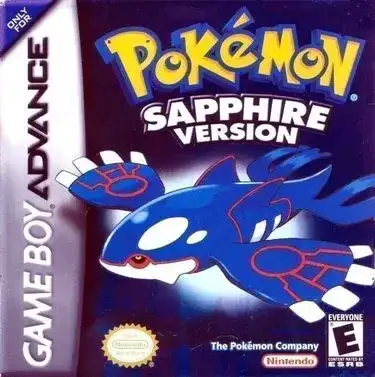
Pokémon Sword and Shield

Play Now
Important Control Tip: If keys are unresponsive after the game loads, please [click on the game window] to activate input focus.
How to Play
How to Play
Press Play Now button to start the Game Boy Advance emulator in your browser.
Control guide merged: use keyboard on PC and on-screen buttons on mobile.
🖥️ PC Controls
| Action | Key (Default) | Description |
|---|---|---|
| D-Pad | ↑↓←→ | Movement control |
| A Button | Z | Confirm / Attack |
| B Button | X | Cancel / Jump |
| Select | V | Select button |
| Start | Enter | Start button |
📱 Mobile Controls
- Movement
- D-pad (left side)
- Action Buttons
- A/B or X/Y/A/B (right side, varies by platform)
- Start / Select
- Center of screen
- Left-Handed Mode
- Swap layout in Control Settings
Mobile Controls: After starting the game, tap the menu in the top-right corner → "Control Settings" to view full key mappings and customize controls.
From Wikipedia, the free encyclopedia:
Source: Wikipedia
About This Game
History
Sword and Shield were first teased through a special message by The Pokémon Company president Tsunekazu Ishihara during Nintendo's E3 2017presentation, where Ishihara mentioned that Game Freak was working on a new core series "Pokémon (video game series)")Pokémon role-playing game for the Nintendo Switch but that it would not be released for more than a year. During a press conference held by The Pokémon Company in Japan on 30 May 2018, Game Freak announced that the games would be released on Switch in the second half of 2019. The games were fully unveiled in a special Nintendo Direct presentation on 27 February 2019, introducing the games' region and starter Pokémon.
More details about this game can be found on Wikipedia article .
Comments
Log in to leave a comment.
Sign InNo comments yet. Be the first!
Related Games
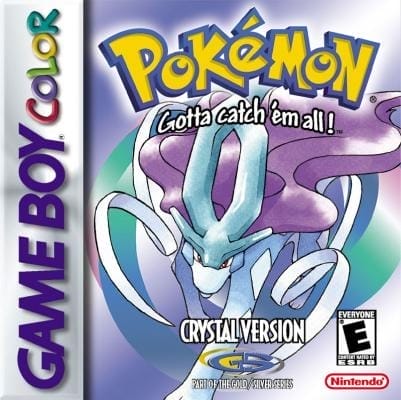
Pokémon Crystal
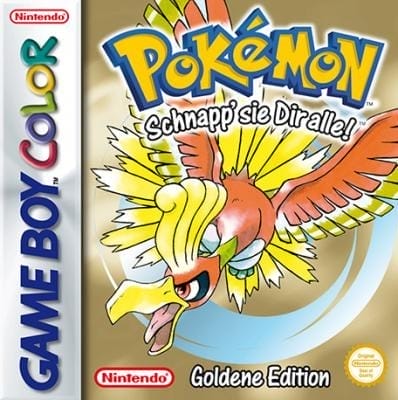
Pokémon Gold
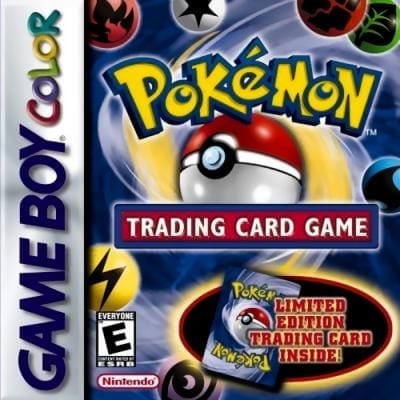
Pokémon Trading Card Game
Pokémon Puzzle Challenge
Pokémon Ruby